Lovable is amazing. But it’s getting expensive
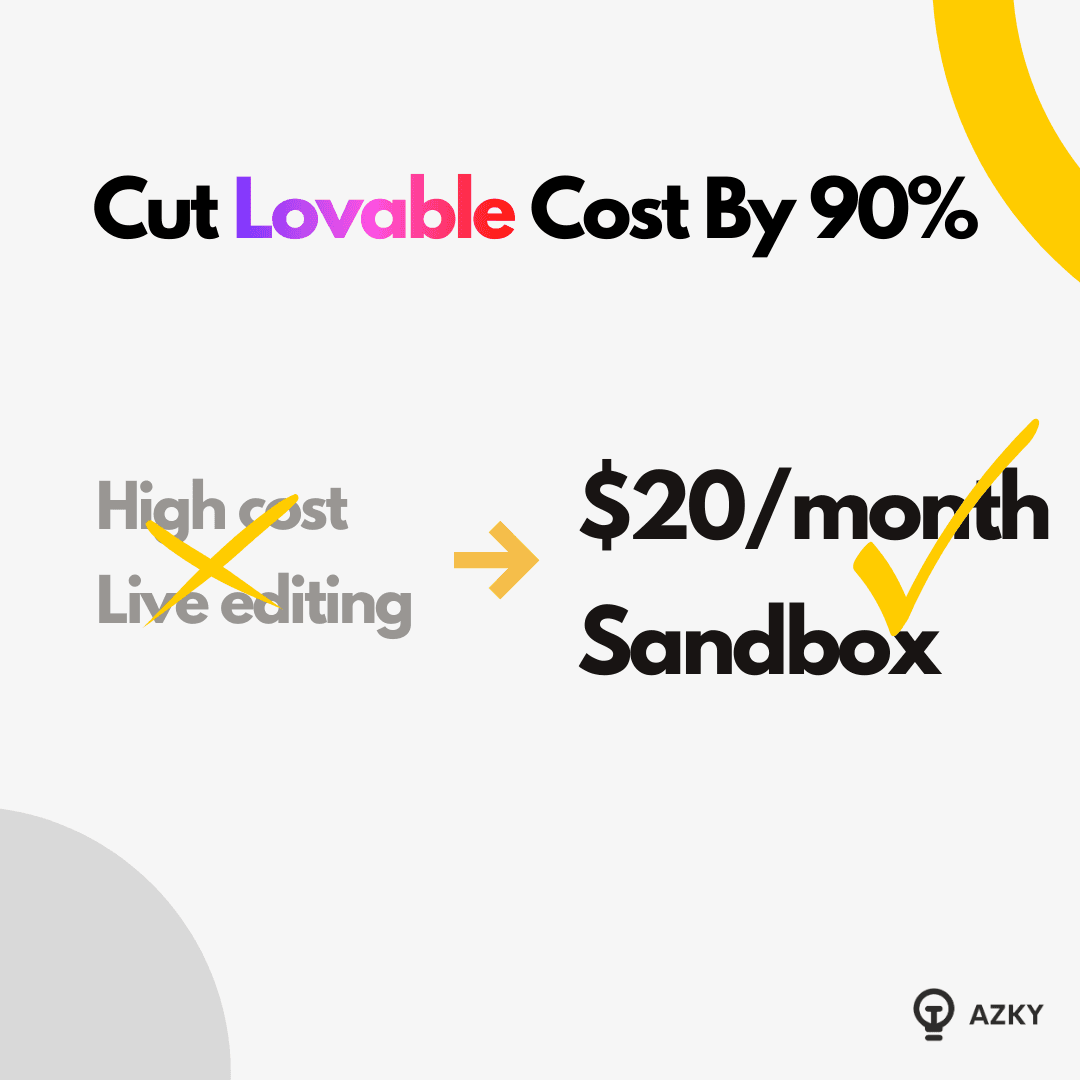
Lovable is amazing. But it’s getting expensive
I hear this constantly. You pass the subscription limit, you burn through messages, and suddenly your bill is scaling faster than your user base.
But there’s a second, more dangerous problem that fewer people talk about until it’s too late: Safety.
Once your Lovable app is live with real users, how do you edit it? If you make a change in Lovable, you are often editing the production app. No staging environment. No safety net. One wrong prompt, and your database is messed up.
I spent hours figuring out a workflow that solves both problems.
In this guide, I’ll show you how to move off the expensive Lovable editor into a safe, sandbox environment using GitHub Codespaces and Claude Code. It drastically cuts costs and gives you a professional-grade "staging" environment.
Watch the Complete Video Guide
I’ve recorded a deep-dive session walking through every terminal command and setup step:
<iframe width="560" height="315" src="https://www.youtube.com/embed/B_LZukHaziw" title="How I Cut Lovable Costs by 90% With This GitHub & Claude Hack" frameborder="0" allowfullscreen></iframe>What We'll Cover
- The Two Big Pain Points: Cost & Safety
- The Solution: GitHub Codespaces + Claude Code
- The "Trap": Why Local Apps are Still Dangerous
- The Fix: Running Supabase Locally (The Hard Part)
- The Workflow: How to Push Changes Safely
- Conclusion: Professionalizing Your Workflow
The Two Big Pain Points
Before we fix it, we need to understand why the standard Lovable flow breaks down at scale.
1. The Cost
Lovable is incredible, but the message limits are real. Once you hit the cap, you’re paying significant amounts for additional messages.
The Fix: We can use Claude Code (Anthropic’s CLI tool). With a max subscription (~$20/mo) or API usage, you get an unlimited, powerful coding agent for a fraction of the cost of burning Lovable credits.
2. The Danger (No Staging)
When you edit in Lovable, you are often playing with fire. You don't have a clear "Staging" vs. "Production" environment.
The Fix: We need a sandbox. A place where we can break things, delete data, and test features without a single real user seeing it.
The Solution: GitHub Codespaces + Claude Code
We aren't going to run this on your messy laptop. We are going to use GitHub Codespaces. This spins up a virtual Linux computer in the cloud (Microsoft gives a generous free tier of ~60 hours/month).
Step 1: The Setup
- Connect your Lovable app to GitHub (create a repo).
- In GitHub, click the green "Code" button and select "Create codespace on main."
- This launches a VS Code environment in your browser. It installs all the dependencies automatically.
Step 2: Install the Cheaper Brain
Now, we replace the Lovable editor with Claude Code. In the terminal of your Codespace:
- Install the CLI: npm install -g @anthropic-ai/claude-code
- Authenticate: Run claude and paste your API key.
Now you have an agent inside your repo. You can ask it: "Run this vite app please," and it will install dependencies (npm install) and start the server.
The result: You have your app running in a browser preview. But wait. We have a massive problem.
The Trap: Why "Local" Isn't Safe Yet
You might think you are safe because you are running the app on a virtual computer.
You are wrong.
By default, your "local" app is still connected to your Production Supabase.
- If you delete a user in your Codespace app... you delete a real user.
- If you wipe a table to test a feature... you wipe your production data.
We need to sever this link. We need a Local Supabase.
The Fix: Running Supabase Locally
This is the technical part that took me hours to figure out, so you don't have to. We need to spin up a clone of your backend inside the Codespace.
1. Install Supabase CLI
Run the command to install the Supabase toolchain in your Codespace.
npm install supabase --save-dev
2. Start the Engine
Run npx supabase start.
Warning: This takes about 5-10 minutes. It is downloading Docker containers to simulate your entire backend.
3. The Migration Gotcha
Lovable sometimes creates migration files that don't match standard naming conventions. You might see an error like Skipping migration....
- The Fix: You may need to rename migration files to match the timestamp pattern, or simply copy the SQL from your migration file and run it manually in the Local Supabase SQL editor.
4. Connect the App
Once Supabase is running locally, it gives you new API keys and a local URL. You need to update your app to use these instead of the production ones.
- Go to src/integrations/supabase/client.ts
- Replace the SUPABASE_URL and ANON_KEY with the ones generated by your local instance.
5. The Port Hack
Because Codespaces is in the cloud, your browser might block the connection to the local database due to security policies.
- Quick Fix: Go to the "Ports" tab in Codespaces, right-click the Supabase API port, and set visibility to Public. (Note: Only do this for development/sandbox data, never for real sensitive data).
The Workflow: How to Push Changes Safely
Now you have a full sandbox. Local Frontend + Local Backend.
You can ask Claude Code: "Change the user profile name to 'Alex ZLK'."
It makes the change. You see it in the preview. Your production app is untouched.
The Critical Final Step: The "Clean" Commit
When you are happy with the changes, you need to send them back to Lovable. But you must be careful.
If you simply git push everything, you will push your local API keys to production. Don't do that.
Ask Claude:
"In my git diff there are a lot of changes (including supabase config). I don't want to push those. Can you please git add and commit ONLY the profile name change?"
Claude will cherry-pick the actual feature code, ignore the local config, and push it to GitHub.
Lovable will see the update from GitHub, rebuild the app, and voila—your feature is live, and you didn't spend a dime on Lovable messages to build it.
Conclusion: Professionalizing Your Workflow
Is this more complex than just typing into Lovable? Yes.
Is it worth it? Absolutely.
If you are serious about building software:
- You stop bleeding money on simple edits.
- You gain "Undo" power. You can test risky database migrations locally without fear.
- You own your environment. You aren't locked into a proprietary browser editor.
This is how you go from "playing with no-code" to "shipping production software."
Ready to graduate from No-Code to AI-Code? Contact us!
Want to discuss this?
Book a call→