How to build a Voice AI SAAS that sells for $725k
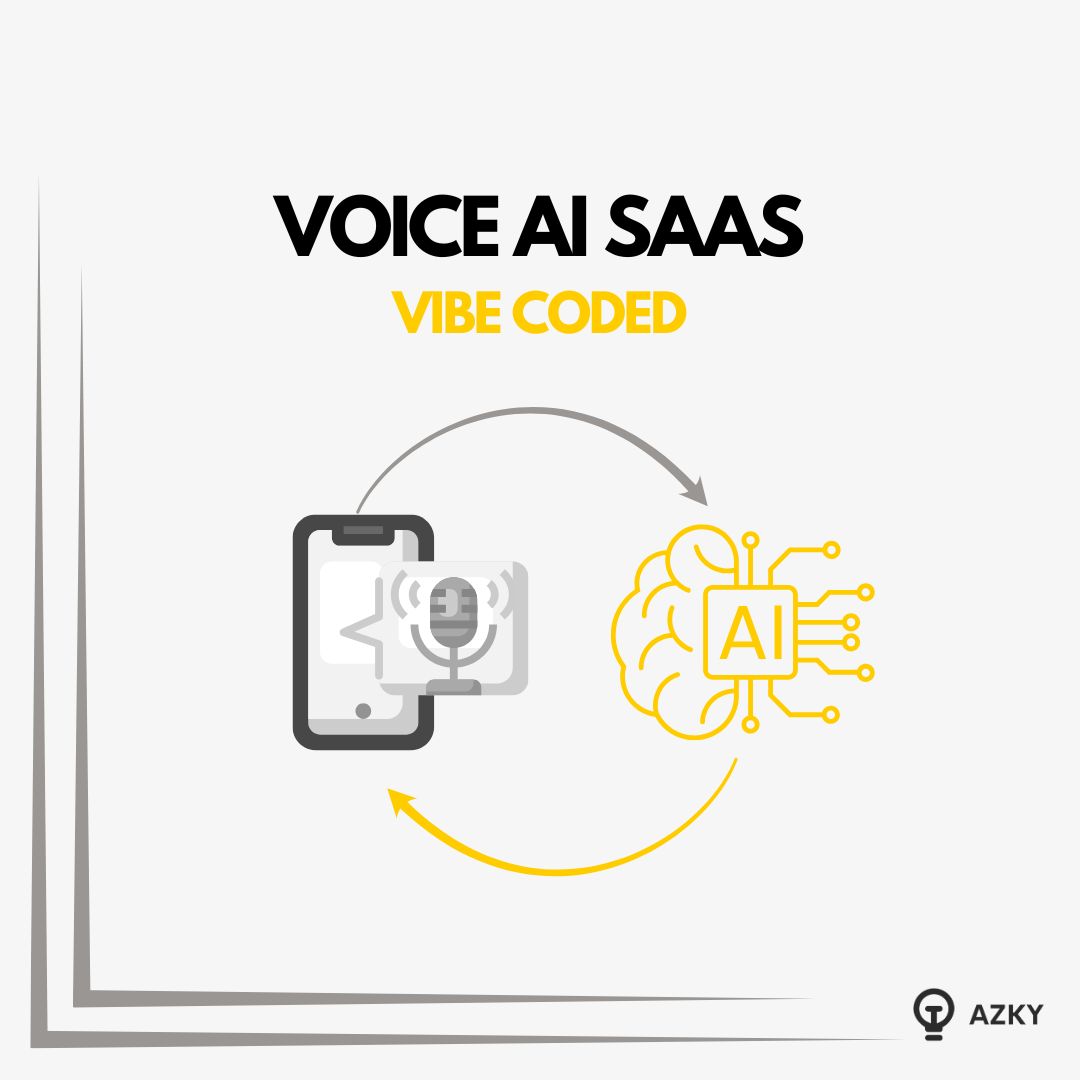
A Voice AI SaaS just hit the market listed for $725,000 on Acquire.
There are 20 buyers lined up for it.
Greg Isenberg is calling Voice AI one of the biggest SaaS opportunities for 2026.
Why the hype? Because the technology has finally caught up to the promise. We have built three of these systems recently for sales training, healthcare, and speech therapy. The foundations are exactly the same in all of them.
In this guide, we’re going to tear down exactly how Voice AI works, the real costs involved, and how we "vibe coded" a sales training platform using Gemini Live in under an hour.
Watch the Complete Video Guide
We've created a deep-dive video breaking down the tech stack, the costs, and a full build tutorial:
<iframe width="560" height="315" src="https://www.youtube.com/embed/N8l-EFSUtRQ" title="I deconstructed a $725k AI SaaS. Here is the exact architecture" frameborder="0" allowfullscreen></iframe>**
The Architecture: How Voice AI Works**
To the user, it feels like magic. They speak, and the AI responds instantly. But under the hood, there is a specific loop happening continuously.
The 4-Step Loop:
- Speech-to-Text (STT): The user speaks. Platforms like Twilio or WebRTC capture the audio, and services like AssemblyAI, Deepgram, or Whisper convert it to text.
- The "Brain" (LLM): The text is sent to an LLM (OpenAI, Gemini, Claude) which understands the context and generates a text response.
- Text-to-Speech (TTS): The AI's text response is converted back into audio using engines like ElevenLabs, Cartesia, or PlayHT.
- Playback: The audio is streamed back to the user.
The Latency Myth
Everyone worries about latency.
- Reality check: On our production apps (over 16,000 calls analyzed), the average latency is around 1 second.
- The verdict: Users barely notice. It is fast enough for fluid conversation.
The Economics: Costs & Monetization
Is it expensive to run? Surprisingly, no.
The Cost Breakdown
Here is a snapshot from one of our live platforms:
- Usage: 2,700 minutes
- Cost: $167
- Math: Roughly $0.06 per minute.
Depending on your prompt complexity and model choice, you are generally looking at under $0.10 per minute. With costs trending downward, the margins for SaaS are healthy.
How to Charge
Since you are paying for compute time, your billing model needs to account for usage.
- The Phone Plan Model: Charge a monthly subscription (e.g., $49/mo) that includes 200 minutes of training.
- Pay-As-You-Go: Users buy "credit packs" for minutes.
- Per Assessment: Charge per completed training session (high value for enterprise sales teams).
The Tech Stack: Orchestrators vs. Native APIs
You have two ways to build this.
1. The "Orchestrator" Route (Custom)
You use a framework like Pipecat to stitch together your favorite tools.
- You want Deepgram for transcription?
- Claude for the brain?
- ElevenLabs for the voice?
You wire them together. This gives you granular control but adds complexity.
2. The Native API Route (Streamlined)
This is what we use for rapid development. Tools like Gemini Live or OpenAI Realtime API give you the whole stack out of the box.
- Gemini handles the listening.
- Gemini handles the thinking.
- Gemini handles the speaking.
Why we chose Gemini for this build: It simplifies the complexity. You lose some ability to mix-and-match models, but you gain massive speed in development.
The Build: Creating an "Alex Hormozi" Sales Trainer
To prove how accessible this is, we "vibe coded" (using AI to write the code) a sales training platform based on Alex Hormozi’s C.L.O.S.E.R Framework.
The App Structure
We used Google AI Studio to generate the code. Here are the critical components required for a production-grade app:
1. The Microphone Check (Crucial)
Lesson Learned: We learned this the hard way. If you don't force a microphone test before the session starts, users will complain the platform is broken when their mic is actually muted. Always add a mic tester.
2. The Simulation
This is the core loop. The AI acts as the prospect.
- Scenario: "I'm a YouTuber looking for software, but your price is too high."
- User Goal: Overcome the objection without lowering the price.
3. The Assessment Engine
This is where the value lies. Once the call ends, a background agent takes the entire transcript and the "Scenario Objective" and grades the user.
- Did they acknowledge the objection?
- Did they pivot correctly?
- Score: 7/10.
4. The Admin/Manager Dashboard
Sales managers need oversight. They need to see their reps' scores, listen to call recordings, and configure new scenarios.
How to Build It Yourself (Right Now)
You don't need a team of engineers to get an MVP live.
- Go to Google AI Studio: Select "Create Conversational Voice App."
- The Prompt: We used a specific "Master Prompt" that defines the architecture (Next.js, Tailwind, Gemini API).
- Handle the Errors: "Vibe coding" isn't perfect. You will get errors.
- The fix: Copy the error, paste it back into the chat, and tell the agent to fix it. It usually resolves in 1-2 iterations.
- Deploy: AI Studio allows you to deploy instantly. You can send a link to your sales team today and ask, "Would you use this?"
The "Hidden" Reality of Vibe Coding
It works for 90% of the build. The last 10%—connecting your specific API keys, refining the voice latency, and handling edge cases—requires a bit of patience or a developer's touch. But the barrier to entry has never been lower.
Conclusion:
The technology is here. The latency is solved. The costs are low.
The opportunity in 2026 isn't just "Voice AI" it's Voice AI applied to specific verticals. Speech therapy, language learning, high-ticket sales, customer support training.
You can build the prototype this afternoon.
Want to speed this up?
We’ve made the exact Master Prompt we used to build this Sales Trainer available.
Need a custom build? Book a call with us to discuss your project.
Want to discuss this?
Book a call→