Building 24/7 Voice AI Agent for Businesses
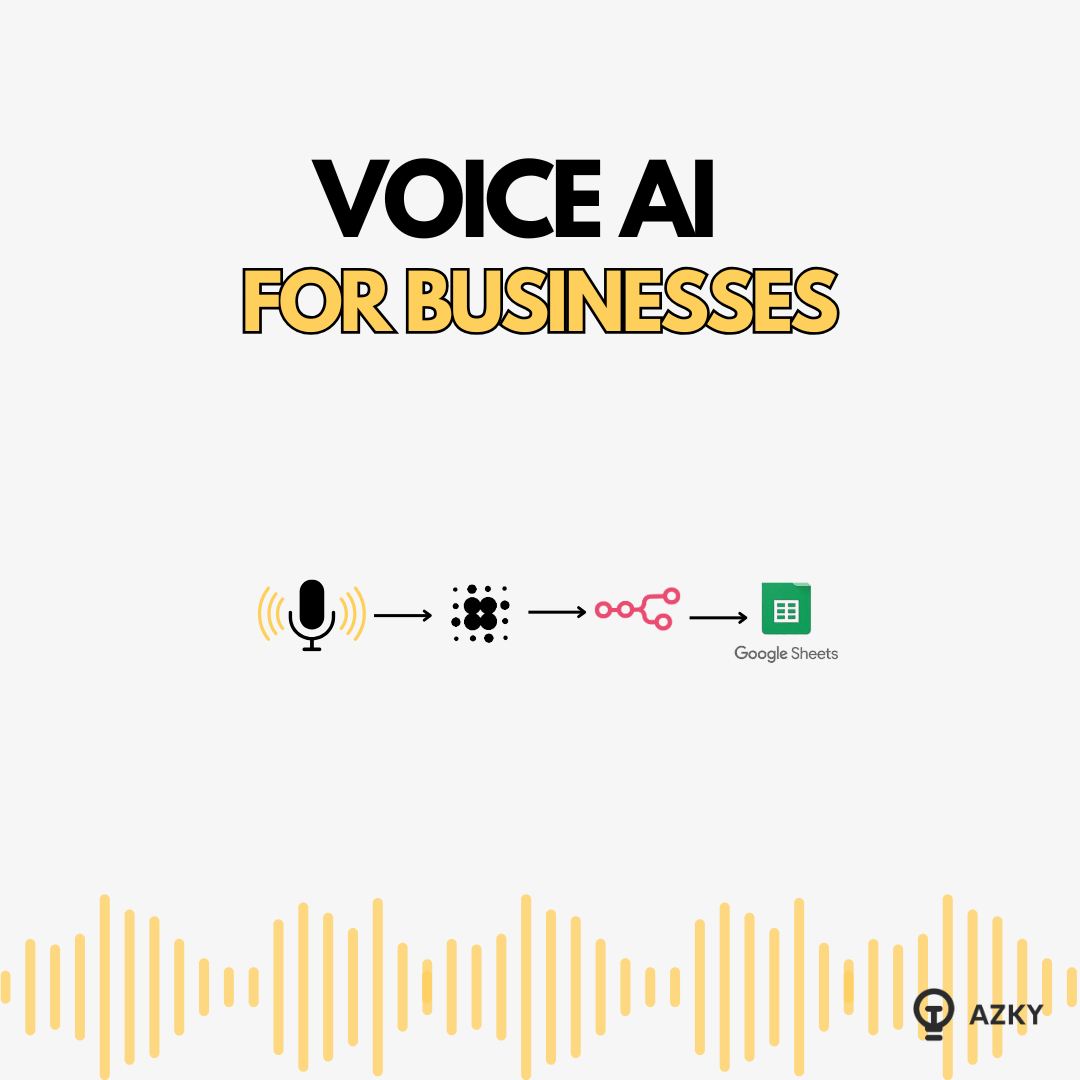
We recently deployed a Voice AI system that handled 16,000 calls in just four weeks. Another system processed 2,000 calls with an average duration of four minutes.
The business reality is simple: Human staff time is too expensive to spend answering repetitive queries like "Has the plumber arrived?" or "Is the internet down?"
At our agency, we build systems that automate these interactions. In this guide, we are pulling back the curtain to show you exactly how we architected a Voice AI agent for a property management client, triaging emergencies and logging data without writing a single line of code.
Check the complete video Guide here:
<iframe width="560" height="315" src="https://www.youtube.com/embed/CzJZRMsHyDA" title="How to Build an AI Phone System for Your Business in 2026 (No Code) Retell + N8N" frameborder="0" allowfullscreen></iframe>**
Understanding the "Voice Loop"**
Before you build, you must understand the architecture. Voice AI isn’t magic; it is a loop of three distinct components working in real-time.
- Speech-to-Text (STT): The system "hears" the caller (using tools like Deepgram or AssemblyAI).
- The Brain (LLM): An AI model (GPT-4o, Claude, or Gemini) processes the text, checks its logic, and decides what to say.
- Text-to-Speech (TTS): The system converts the text back into a human voice (using 11Labs or Cartesia).
The Cost & Latency Equation
- Cost: Running this loop costs roughly $0.10 per minute. Compared to a human employee, this is negligible.
- Latency: This is the delay between you speaking and the AI responding. For a natural feel, we aim for under 1.25 seconds.
**
The Build Stack: Choosing Your Platform**
To manage the loop above, you need an Orchestration Platform. While there are options for developers (like Vapi for low-code or Pipecat for Python engineers), we recommend Retell AI for business owners and founders. It allows us to build, test, and deploy entirely within the browser.
Here is the 5-step framework we use to take an agent from concept to production.
Step 1: Define the Logic Flow
Never start building without a plan. You need to define the "Happy Path" and the edge cases.
The Case Study: We are building an agent for Greenwood Property Management.
- Trigger: A tenant calls the maintenance line.
- Decision: Is this an Emergency (Fire, Flood, Gas) or Routine (Leaky tap, appliance issue)?
- Action: If Emergency -> Route call to a specialist. If Routine -> Log details to a spreadsheet.
Step 2: Configure the "Brain" and "Voice"
In Retell, we create a "Single Prompt Agent." This setup requires two key decisions:
- The Model: We usually select GPT-4o or Gemini Flash. Flash is faster and cheaper, which is great for simple triage, while GPT-4o handles complex nuance better.
- The Voice: We integrate with 11Labs to pick a voice that suits the brand. For maintenance, we want a calm, clear, and professional tone—not an overly enthusiastic sales voice.
Step 3: The Prompt vs. The Knowledge Base
This is where most people fail. You must separate Behavior from Facts.
- The System Prompt (Behavior): This defines the agent's personality and rules.
- Agency Tip: Keep this concise. "You are a helpful assistant. If the user mentions gas, stop immediately and advise evacuation. Be concise. Do not argue."
- The Knowledge Base (Facts): This is where you upload static data.
- Example: We upload a PDF containing the list of approved contractors, office hours, and emergency contacts.
By keeping the prompt clean and putting facts in the Knowledge Base, we reduce the chance of the AI hallucinating.
Step 4: Testing and Simulation
Before buying a phone number, we use the internal testing tools. Retell allows you to run "Simulation Scenarios."
We create a test case: "Act like a tenant with a leaky boiler who speaks slowly." We then run this scenario against the agent to ensure it asks the right follow-up questions (e.g., "Is it pouring or dripping?") before we ever let it talk to a real human.
Step 5: Connecting to the Real World (Data Integration)
A Voice AI that just talks is a toy; a Voice AI that does work is a tool. We need the call data to end up in a Google Sheet for the maintenance team.
To do this, we use N8N (a powerful workflow automation tool).
The Workflow:
- The Webhook: We create a "Magic URL" in N8N and paste it into Retell. When a call ends, Retell instantly shoots the data to this URL.
- Structured Data Extraction: We don't just want a transcript. In the Retell dashboard, we define custom variables:
- issue_category (e.g., Plumbing, Electrical)
- urgency_level (e.g., Emergency, 24-Hour)
- The Destination: N8N catches this data and maps it to columns in our Google Sheet.
**
The Result**
We now have a fully autonomous loop:
- Tenant calls.
- AI answers, references the Knowledge Base, and categorizes the issue.
- Data (including urgency level) is instantly logged in the spreadsheet.
The ROI:
- Latency: ~1 second (feels instant).
- Cost: ~$0.10/min.
- Outcome: Hundreds of staff hours saved from answering routine questions.
Building the bot is the easy part; architecting the flow and integration is where the value lies. If you want to deploy an end-to-end voice solution without trial and error, let's talk.
Want to discuss this?
Book a call→